Blur, pixelate, or black box — which to use when
PUBLISHED 4 AUGUST 2026 · 6 MIN READ
Three buttons, one photo, and no obvious reason to pick one. The short version is that only one of the three deletes anything. Blur and pixelation both leave a measurement of the original behind, and how much they leave depends on settings most people never change.
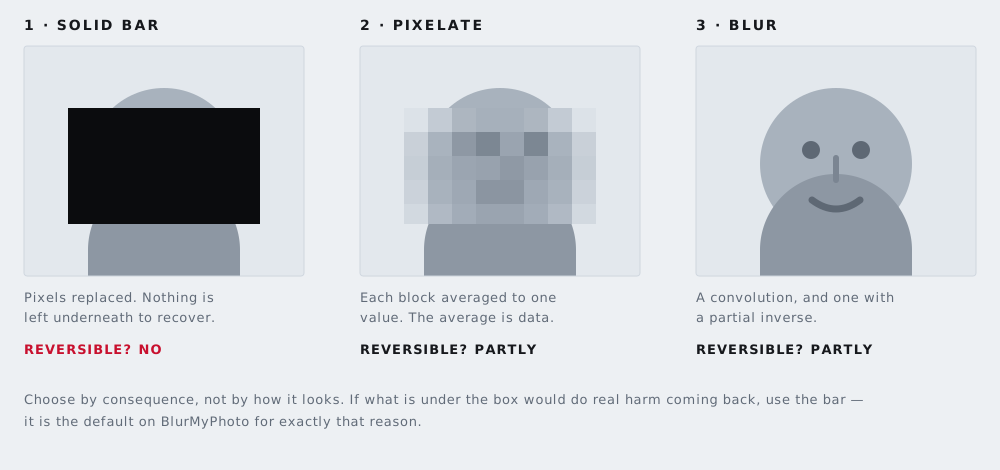
What each one does to the pixels
All three replace a rectangle of your photo with something else. The difference is what that something is made of.
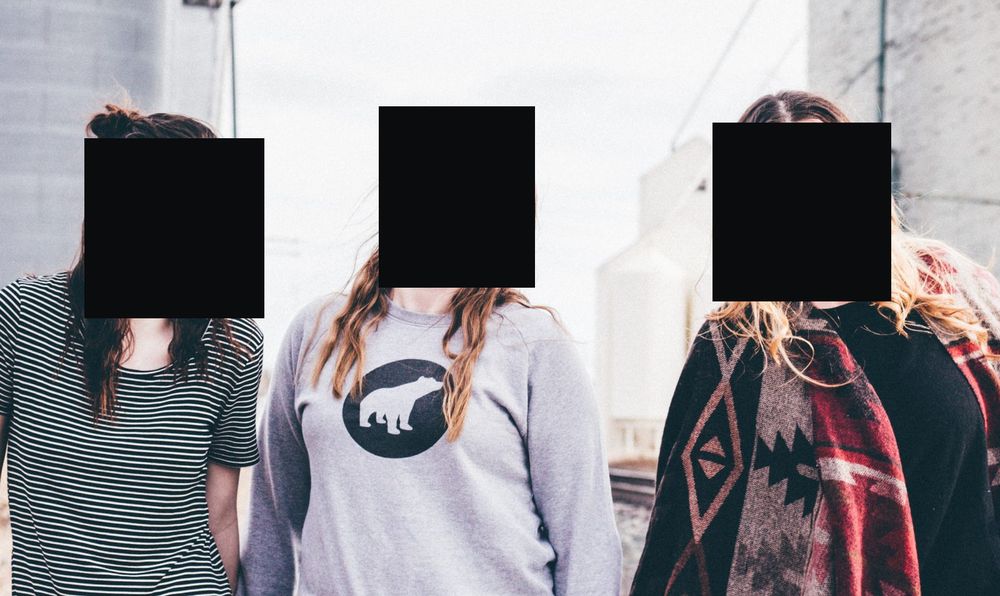
Solid bar — irreversible
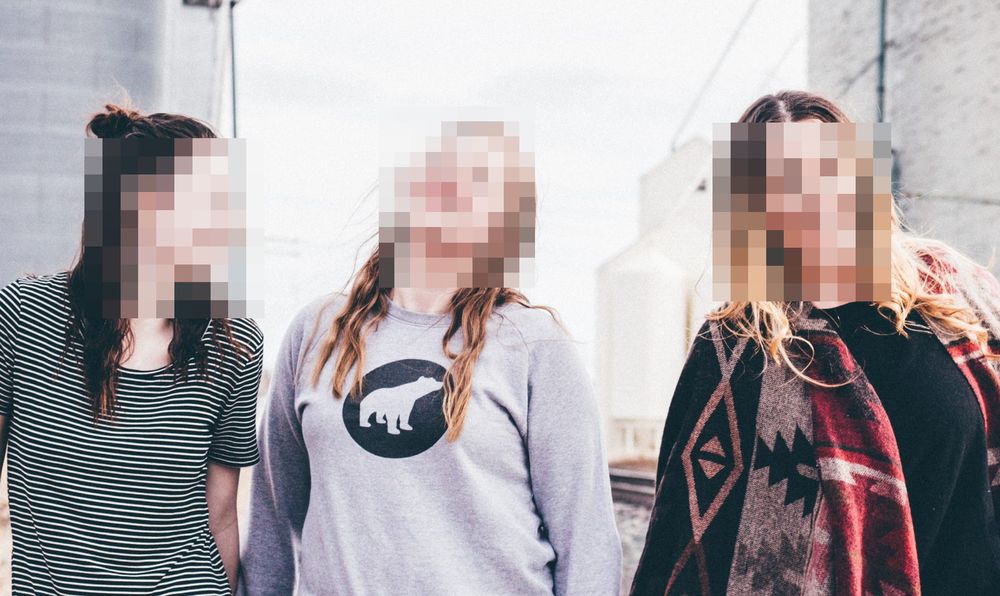
Pixelate — partly recoverable
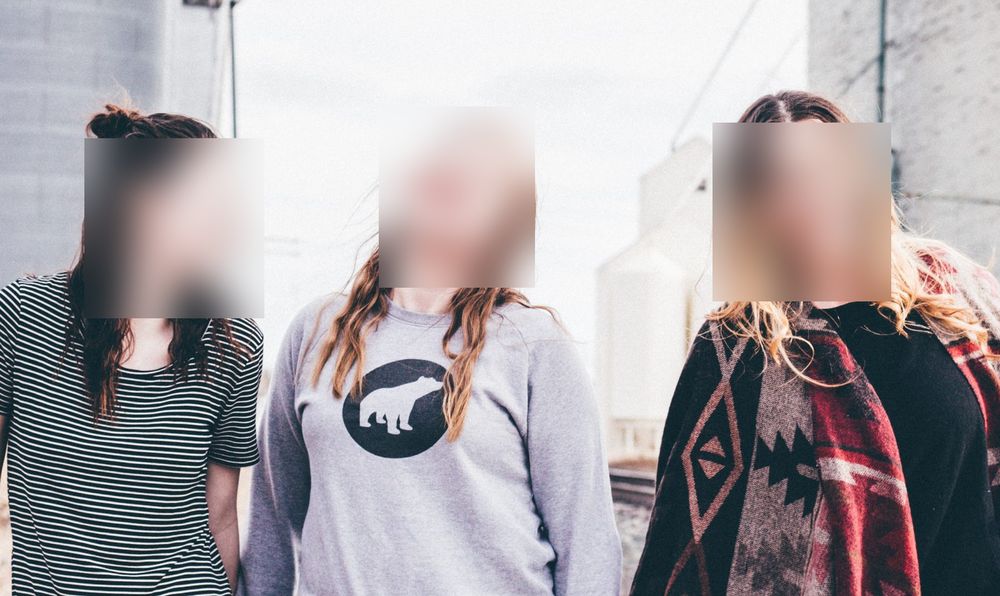
Blur — partly recoverable
Blur averages a pixel with its neighbours
A blur replaces each pixel with an average of the pixels around it, out to a set radius. The result is still a function of the original: nothing was thrown away, the detail was smeared sideways into its neighbours. Blur attenuates information rather than removing it, and at small radii a surprising amount survives.
In a 2016 paper, Defeating Image Obfuscation with Deep Learning, Richard McPherson of the University of Texas at Austin with Reza Shokri and Vitaly Shmatikov of Cornell Tech trained an ordinary neural network on faces blurred by YouTube's automatic face-blurring feature. On a closed set of 40 people it named the right person 57.75 per cent of the time, against 2.5 per cent for guessing. That is not the same as identifying a stranger, but it is a long way from unrecognisable.
Pixelation replaces a block with the block's average
Pixelation divides the region into a grid and paints each block with the average of the pixels inside it. That average is not noise. It is a real measurement of your photo at lower resolution: a face 64 pixels wide, pixelated into 8-pixel blocks, is an 8 by 8 thumbnail of the face, painted large. The same paper reports 57 per cent correct identification on the FaceScrub set of more than 530 people when faces were pixelated with 16-pixel blocks, against 0.19 per cent for guessing.
A solid fill throws the pixels away
A solid fill writes one constant value across every pixel in the region. The output does not depend on the input at all. There is nothing to run backwards, because every possible original maps to the same flat rectangle.
A bar only counts once it is baked into the exported pixels. A black rectangle on a layer in a PDF or an annotation app is a drawing on top of the data, and the data is still underneath: a black rectangle is not redaction.
The short answer
| Faces, where it matters legally or professionally | Solid bar. If you would have to defend the choice to a client, a parent, or a regulator, defend the one that cannot be undone. |
|---|---|
| License plates | Solid bar. A plate is short text in a standard typeface — the easiest thing in any photo to guess back. |
| Account numbers, addresses, order references, signatures | Solid bar. All text, and text is the weak case for the other two modes. |
| Something visibly removed, but the image still reads as a photograph | Pixelation, with blocks coarse enough that only a handful land on the subject. |
| Tidiness rather than protection | Blur. A stranger in the far background of a holiday photo; a distracting object behind a product shot. |
If a photo sits between two rows, take the more destructive option. Over-redacting a picture you are about to post costs you nothing.
Three cases people get wrong
Blurring or pixelating text
This is the one that matters most, and the reasoning generalises.
An attacker does not have to invert your blur. They can guess and check. A photograph of a face has an effectively unlimited number of possible originals, so working backwards is genuinely hard. A line of text does not. The characters come from an alphabet of a few dozen, in a font, at a size, on a background — and all of that is usually visible in the unredacted part of the same screenshot. So the attacker renders a candidate string, applies the same blur or the same block grid to it, and compares the result against what you published. Repeat until it matches. No inversion is needed, only a search through a small set of possibilities.
That is how both of the well-known tools work. Depix, published in December 2020 by the security consultant Sipke Mellema, attacks pixelation made with a linear box filter: the filter is deterministic, so the same characters always produce the same blocks, and the tool matches your blocks against a reference rendered in the same font. Unredacter, released in February 2022 by Dan Petro at Bishop Fox, guesses character by character and tries every possible alignment of the block grid. Petro's conclusion was blunt: "when you need to redact text, use black bars covering the whole text. Never use anything else. No pixelization, no blurring, no fuzzing, no swirling."
Both tools need the font and size, and heavy recompression afterwards can break the match. Neither limit is worth betting on, because you do not control what happens to a picture once you post it. Cover text with the black out text tool and the question does not arise.
Pixelating a license plate with visible blocks
Plates get pixelated more than anything else, because a plate broken into chunky squares looks thoroughly destroyed. It is the text problem with a smaller search space: plate formats are constrained by the issuing country, the typeface and the spacing are standardised, and the contrast is high by design. There is a duller failure on top of that. On a 4000-pixel-wide photo of a car the plate might be 150 pixels across, so a block size chosen by eye for a face leaves the plate close to readable. Draw a bar instead. Our license plate tool defaults to one, and it has no automatic plate detection — you draw the box over the plate yourself.
Blurring a face when the photo identifies the person anyway
Covering a face feels like finishing the job, and often is not. A name badge, a team shirt, a tattoo, a wheelchair, the house number over the person's shoulder, a coat they wear every day — any of these can carry the identification the blur was meant to stop, especially for an audience that already knows them.
If the reason for redacting is legal rather than social, that is not a technicality. The GDPR's definition of personal data, in Article 4(1), covers anyone who "can be identified, directly or indirectly". Indirectly is the operative word: a covered face in a photo captioned with a place and a date can still be personal data. Our guide to GDPR and photographs goes further into that. Look at the whole frame before you export, not just the faces.
How much pixelation is enough
There is no block size that is known to be safe, and anyone who gives you one is guessing. The useful question is how many real measurements of the subject survive.
Count the blocks, not their size. A 300-pixel-wide face pixelated at 20-pixel blocks leaves a grid 15 blocks across — roughly 225 genuine samples of that face. The same face at 60-pixel blocks leaves five blocks across, which is closer to a coarse silhouette. The 2016 paper makes this point in passing: what mattered in its results was the block size relative to the resolution of the image, not the block size on its own.
Follow that to the end and the answer is honest but awkward. For pixelation to do protective work, the subject needs to be a handful of blocks across, not dozens — and at that point you have drawn a lumpy solid shape anyway. Use pixelation when you want the picture to keep reading as a photograph, and treat the trade as deliberate.
Why this site defaults to the solid bar
Every tool here starts in solid mode, and the mode buttons say what they do rather than leaving you to infer it: solid removes the pixels, pixelate and blur do not. You can switch modes for any region, and there are reasons to — a pixelated background still reads as a photograph, a row of black rectangles does not — but the default is the one that cannot be reversed.
Two things about the tools themselves, plainly. Face detection on the blur faces tool is automatic and runs in your browser; the image is never uploaded. There is no automatic licence-plate detection anywhere on this site, so plates, screens, documents and address labels are all drawn by hand with a box. And if you want to know how much a model can really reconstruct from a blurred face, that has its own post: can AI unblur a face?
The step people skip at the end
Whichever mode you choose, the bar is only as strong as the file it ships in. A photo taken on your own driveway can carry GPS coordinates in its metadata, which makes the bar over the house number decorative. Strip the metadata as the last step — the metadata tool does it in the browser, on the exported file — and if the photo is a car for sale, our guide to selling your car online covers the rest of the listing.